How to Build a Cozy, Aesthetic Gaming Room on a Budget
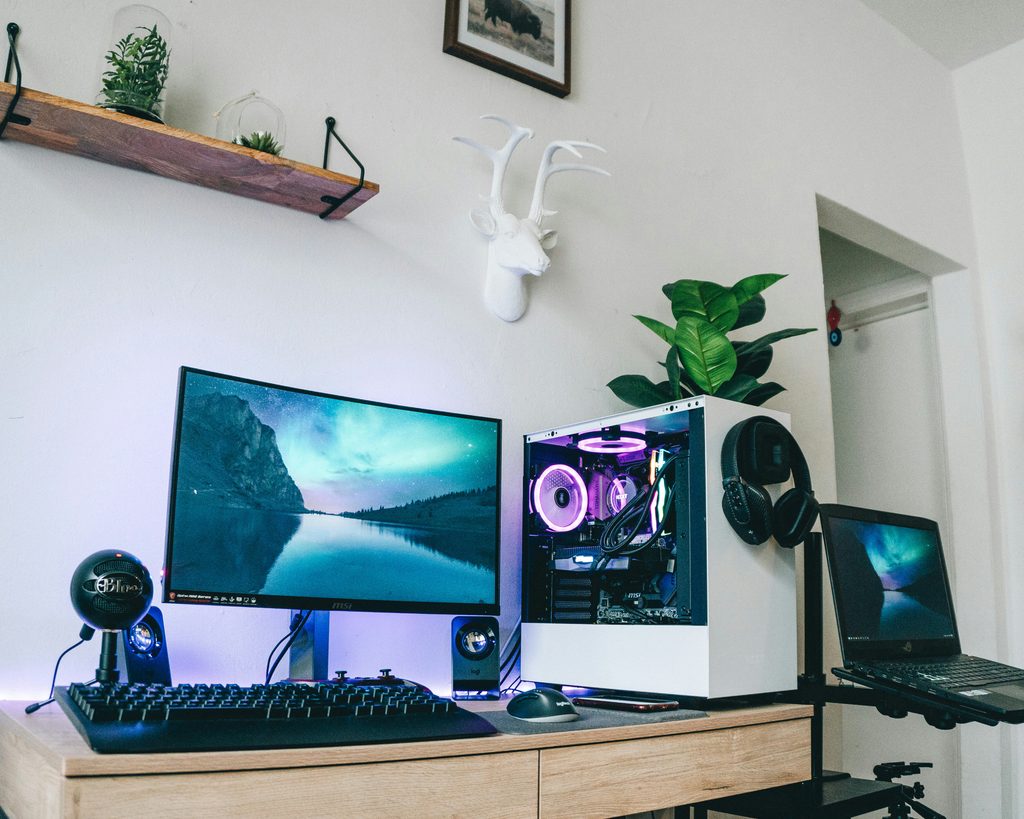
You’ve saved the pins. The glowing desk, the shelf lined with tiny figures, the cables that somehow don’t exist. Then you look at your actual gaming corner: a desk that wobbles, a chair that hurts by hour two, and a power strip that looks like a bowl of black spaghetti.
Here’s the good news. A gaming room that looks great and feels great has very little to do with spending a fortune. It comes down to seven decisions made in the right order: layout, desk, chair, lighting, cables, sound, and the small decor details that make the space feel like part of your home instead of a leftover corner.
This gaming room setup ideas guide walks through all seven, with budget options at every step, so you can build a room you actually want to spend your evenings in. Whether you have a spare bedroom or one corner of a studio apartment, it works.
Quick answer: A good gaming room setup has seven parts: a smart layout, a desk at the right height, a supportive chair, layered lighting, hidden cables, soft surfaces for sound, and decor that matches the rest of your home. Starting from scratch, you can build all seven for roughly $400 to $700 and upgrade one piece at a time.
Table of Contents
Step 1: Start with the layout, not the gear

Before you buy anything, decide where the desk goes. Three rules save most people from expensive mistakes.
- Keep screens away from direct window light. Glare ruins visibility and tires your eyes. If the only spot is near a window, blackout or sheer curtains solve it.
- Face the door if you can. It’s a small thing, but a desk placed so you can see who walks in makes the room feel relaxed instead of jumpy.
- Plan for outlets first. Sketch where your power strip will live before the desk goes down. Moving a loaded desk later is miserable.
In a small room or studio, define the gaming zone with a large rug and an open shelf as a divider so it reads as its own space. A rug under the desk and chair marks the zone and softens sound at the same time.
Step 2: Choose a desk that fits your body and your room

The desk is the foundation of the whole setup. Aim for at least 47 inches wide for one monitor and 55 to 63 inches for two. Depth matters too: 24 inches is the minimum, and 30 gives your eyes more distance from the screen.
Height matters more than most people realize. Your elbows should rest at roughly 90 degrees with your wrists straight. A height-adjustable desk is the dream, but a fixed desk paired with an adjustable chair works fine.
On a budget, a sturdy tabletop on adjustable legs performs just as well as anything labeled a “gaming desk.” In small rooms, an L-shaped corner desk is the best use of dead corner space.
Then add a monitor arm. It clamps to the desk edge, lifts the screen off the surface, and frees up room for a keyboard, a notebook, or a candle. Set the top of the screen at or just below eye level, about an arm’s length away.
Step 3: Spend your money on the chair
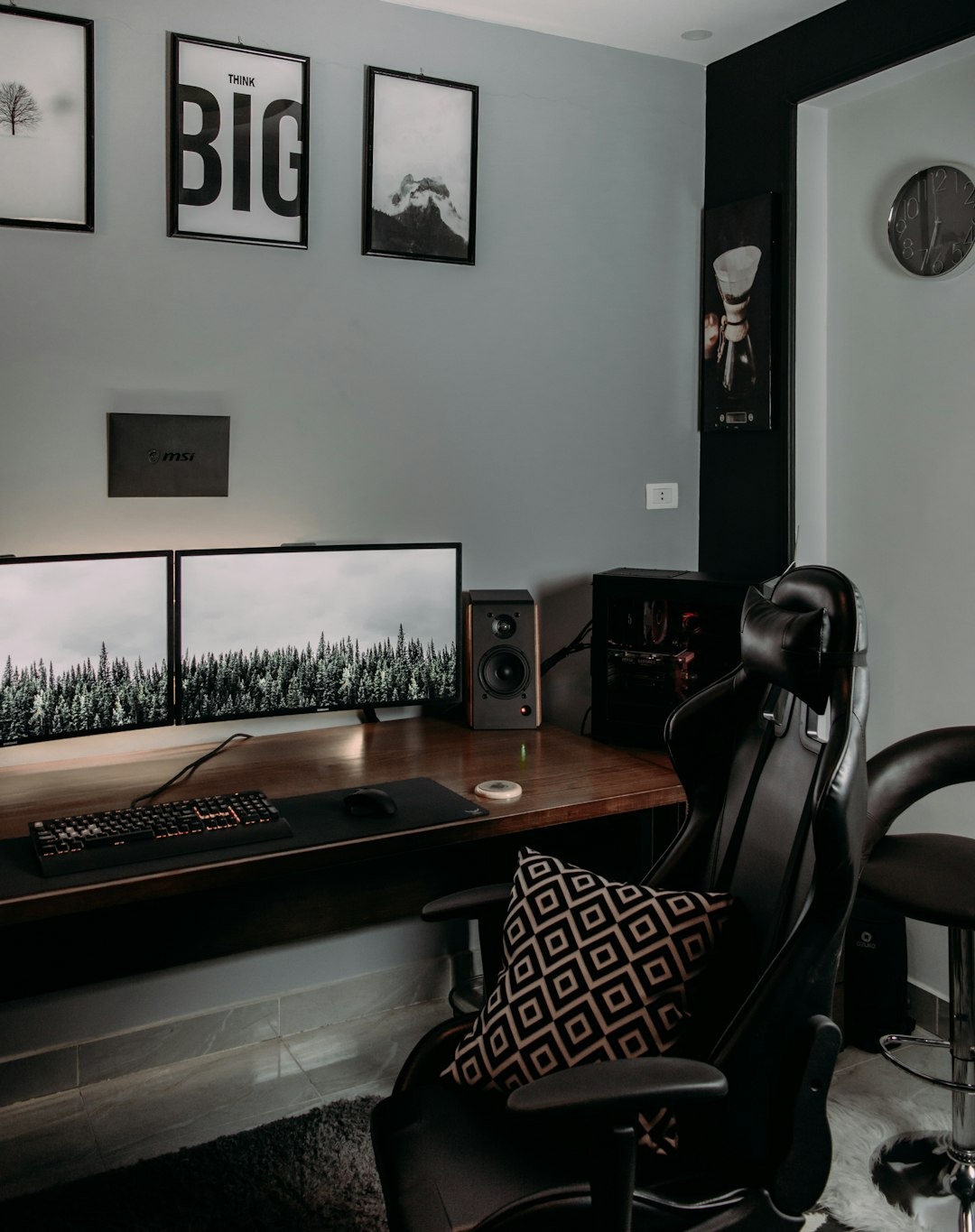
If you only splurge on one thing, make it the chair. You’ll sit in it for hours, and a bad chair shows up as back pain, not as a bad review.
Look for adjustable seat height, lumbar support, and adjustable armrests. Racing-style chairs are popular, but ergonomic office chairs often support the body better over long sessions, and many look far more at home in a decorated room. Mesh backs stay cooler, and a soft fabric finish blends into your decor more easily than a loud racing seat.
Run a quick fit test: feet flat on the floor, thighs roughly level, lower back supported. If you’re between sizes, a lumbar cushion or a footrest closes the gap. A genuinely comfortable chair typically lands between $100 and $250, which is the best money you’ll spend on the whole room.
Step 4: Layer your lighting

Lighting is what makes a gaming room look like the Pinterest version. The trick is layers, not one dramatic color blasting the whole room.
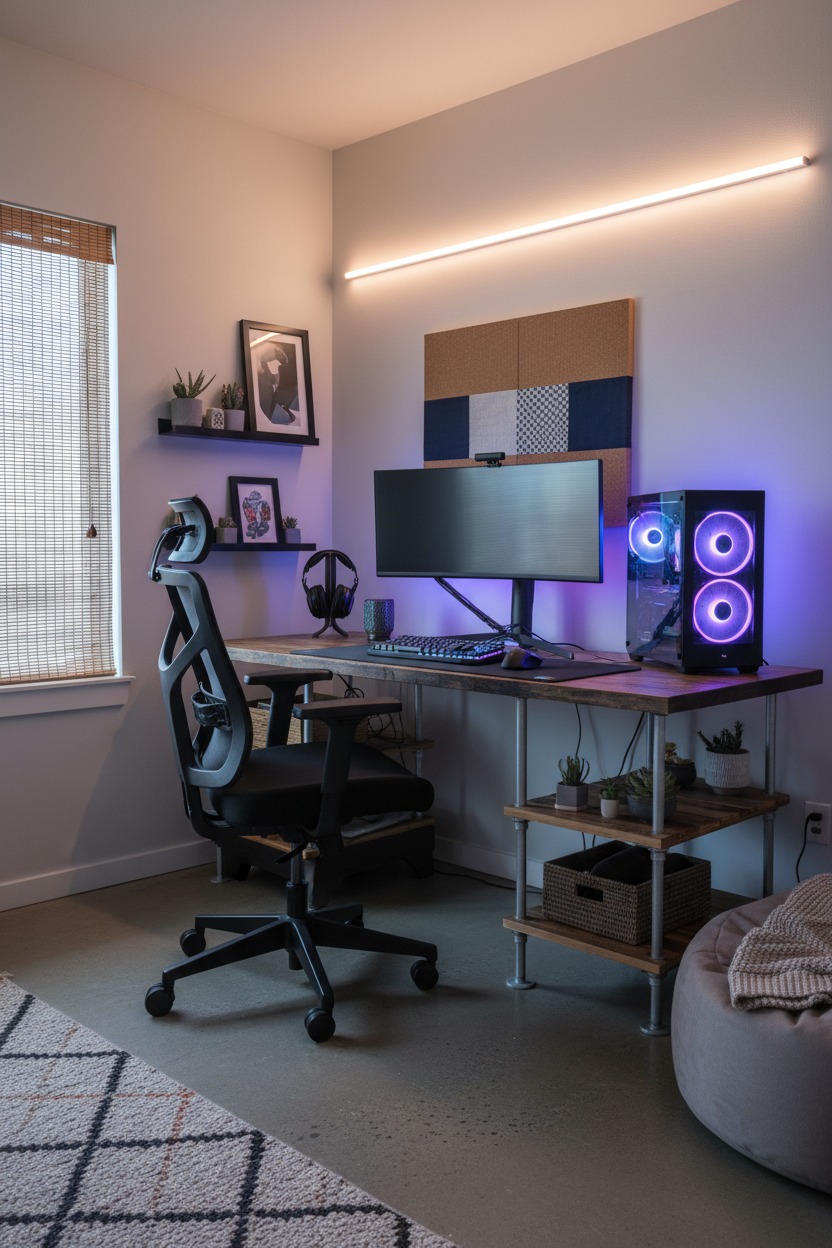
- Bias lighting. An LED strip behind the monitor casts a soft glow on the wall, which can reduce eye strain in a dark room and instantly adds depth.
- Ambient lighting. A warm lamp or floor lamp so the room doesn’t feel like a cave when you stand up. Bulbs around 2700K keep it cozy.
- Accent lighting. Pick one fun element, like a neon sign, a light bar, or LED shelf lights. Three competing accents look messy; one looks intentional.
Choose a two-color palette for your lights, such as soft purple and warm white, and stick with it. Smart bulbs and strips let you switch moods from an app: bright and neutral for daytime, deep and colorful for gaming nights.
Step 5: Hide the cables
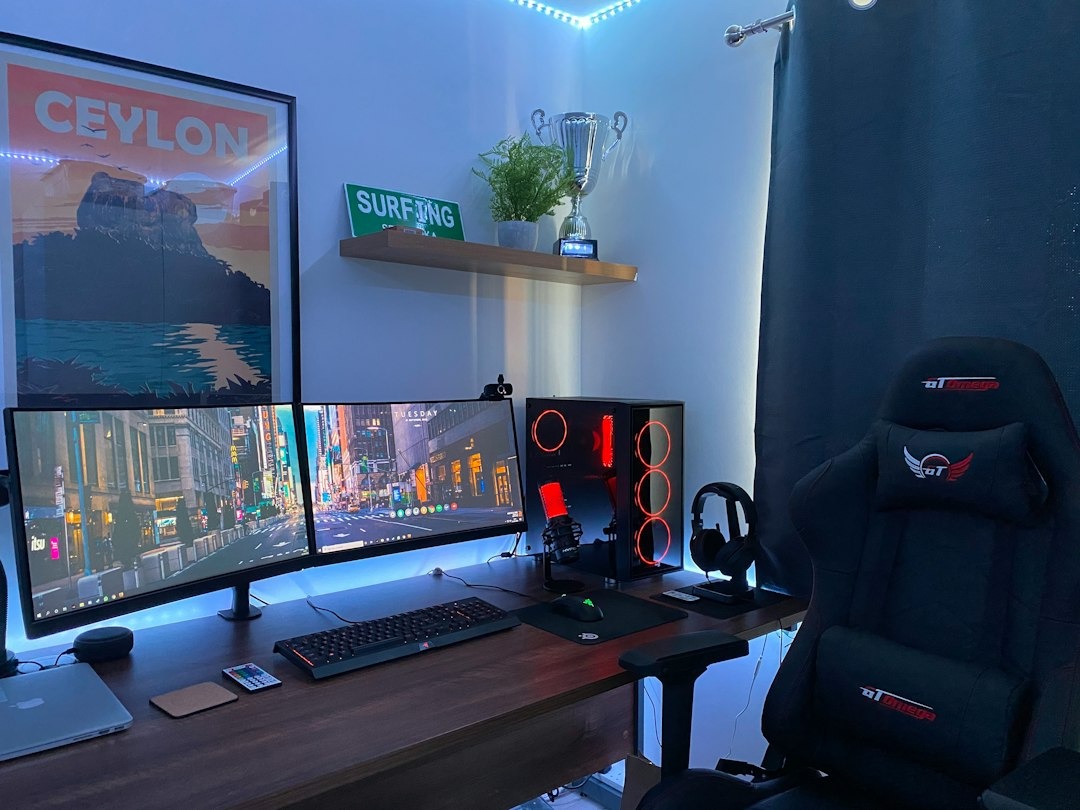
Nothing makes a setup look cheaper than visible cable chaos, and nothing makes it look more expensive than clean cable management. The fix costs about $20.
- Mount a cable tray under the desk to hold your power strip and adapters.
- Bundle loose cords with reusable Velcro ties or a cable sleeve.
- Run cables along the desk edge and down the leg using adhesive clips, then label each plug so you always know which is which.
One safety note: use a surge-protected power strip and never plug one strip into another. PCs and consoles also need airflow, so don’t tuck them inside a closed cabinet.
Step 6: Soften the sound and the walls
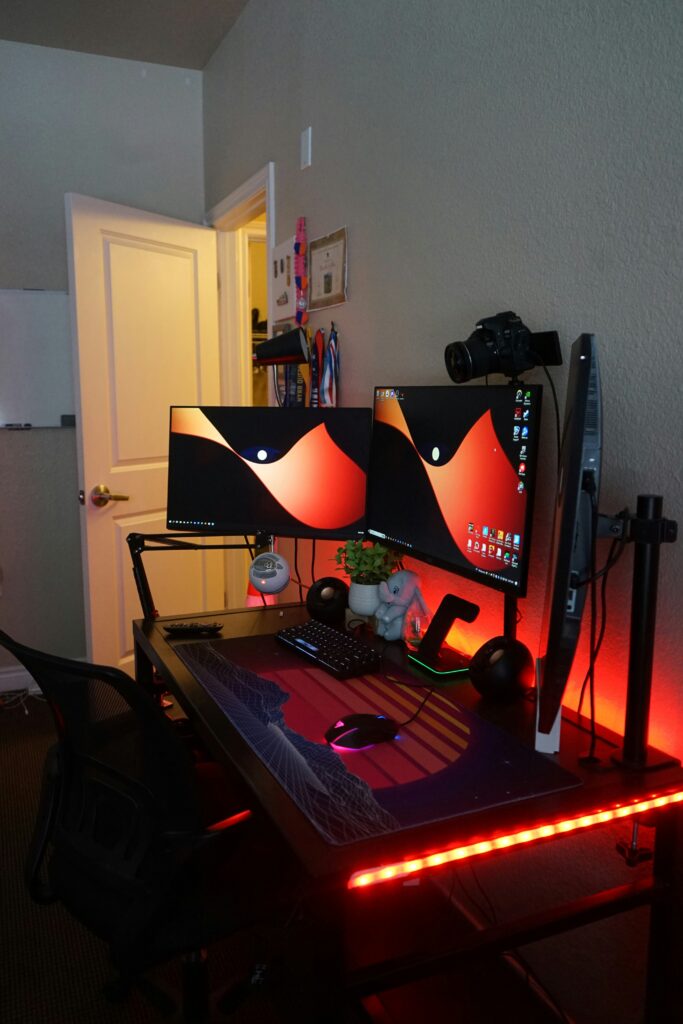
Hard, empty rooms echo, which makes voice chat harsh and headphones tiring. Soft surfaces fix that quickly:
- A large rug under the whole desk area.
- Heavy curtains, which also double as glare control.
- Acoustic panels on the wall behind you and beside the desk. Fabric-wrapped designs look like wall art.
- A full bookshelf. Books and baskets are surprisingly good sound absorbers.
If you rent, choose peel-and-stick or hanging-strip options so your deposit stays safe. Then pair the room with a headset or speakers you actually enjoy.
Step 7: Decorate so it feels like part of your home
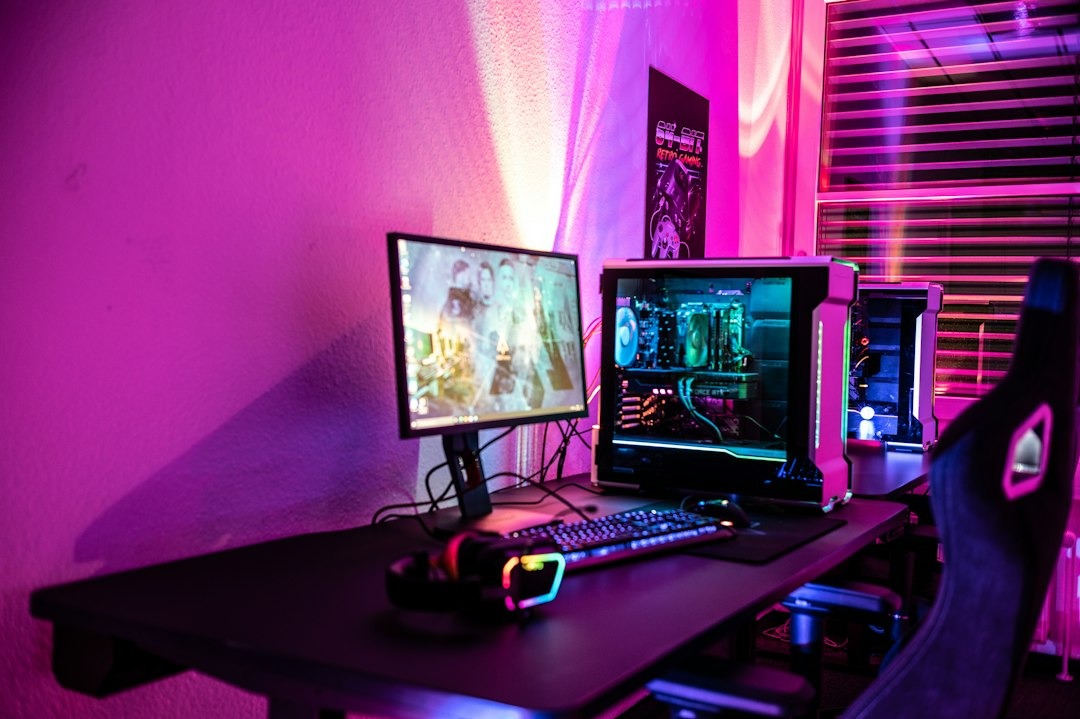
This is the step that turns a gaming station into a room. Treat it like any other space in your home and fill it with things you love.
- Display shelves for collectibles, figures, and favorite game cases.
- Matching baskets for controllers, chargers, and headsets, so clutter has a home.
- A headset or controller stand to keep gear off the desk.
- Plants. Low-light plants like pothos and snake plants do well under LED glow.
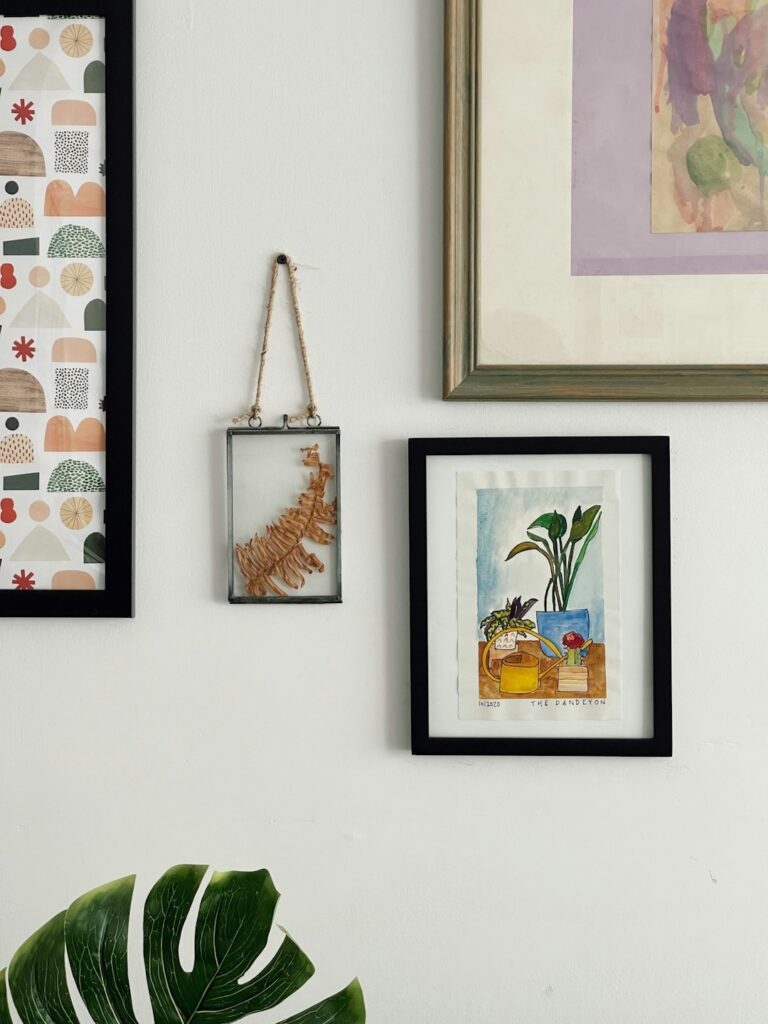
- Framed art in matching frames, arranged as a gallery wall, looks far more intentional than loose posters.
Finish with a throw blanket and a small side table for your drink. Keep the palette consistent with the rest of your home, whether that’s dark and moody or cream, sage, and warm wood, and the room will feel designed rather than assembled.
What does a gaming room setup cost?
Prices vary by retailer and change often, so treat these as rough ranges and check current listings.
- Starter, about $400: a simple desk, a budget ergonomic chair, LED strips, a cable tray, and a rug.
- Comfortable, about $700: add a monitor arm, a better chair, acoustic panels, and shelves.
- Dream setup, $1,200 and up: a height-adjustable desk, a premium chair, smart lighting, and full decor.
Frequently asked questions
How do I set up a gaming room in a small space?
Use a corner desk, a monitor arm, and wall-mounted shelves to go vertical. Define the zone with a rug, keep storage closed or in baskets, and limit lighting to one accent so the room doesn’t feel crowded.
What colors work best for a gaming room?
Stick to two or three colors. Deep navy, charcoal, and purple accents create a moody look. Cream, sage, and warm wood make a cozy, daytime-friendly room. Either works as long as your lights follow the same palette.
How do I make my gaming room look aesthetic, not childish?
Hide the cables, use one accent light instead of several, frame your art, and choose real furniture over novelty pieces. A consistent palette does most of the work.
What should I buy first on a tight budget?
The chair, then cable management, then LED strips. Those three upgrades change how the room feels and looks faster than anything else.
Start with one change tonight
You don’t need to rebuild the room this weekend. Pick the cheapest, most visible fix, either hiding the cables or adding a single LED strip behind your monitor, and do it tonight. That one change will make the whole space feel more like yours, and it will give you the momentum for the next step.
Your gaming room is a room in your home, so make it beautiful, comfortable, and tended like every other space.